
Doraemon X Not Installing? Here Are 7 Fixes That Actually Work
You downloaded the Doraemon X APK. You tapped install. Doraemon x not installing.
Maybe you got an error message. Maybe it just sat there. Either way you are stuck and you want to play the game.
This guide covers every reason the install fails and exactly how to fix each one. Most players solve it at Fix 1 or Fix 2.
Why Is Doraemon X APK Not Installing?
Doraemon X is not on the Google Play Store. You install it manually as an APK file. Android puts up a few barriers for that.
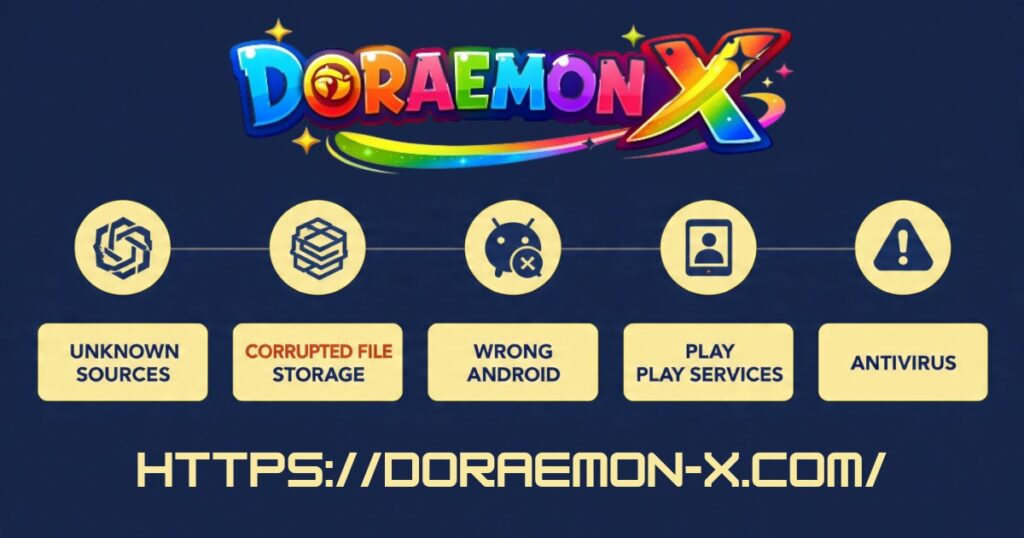
The most common reasons are:
- Unknown Sources is disabled. Android blocks APK installs by default until you allow it.
- The file is corrupted. If your connection dropped mid-download the APK is broken inside even if it looks fine.
- Not enough storage. The phone needs free space for the download and for the installation itself.
- Wrong Android version. Doraemon X requires Android 5.0 or above.
- Old version conflict. Having an older version installed can block the new one.
- Google Play Services cache. This runs in the background and sometimes interferes.
- Antivirus blocking the file. Security apps sometimes flag clean APKs as suspicious.
Work through the fixes below in order. Most people are playing within five minutes.
Fix 1, Enable Install from Unknown Sources
Error you see: “Install blocked” or “For your security, your phone is not allowed to install unknown apps”
This is the most common reason the Doraemon X APK will not install. You need to allow it manually in settings.
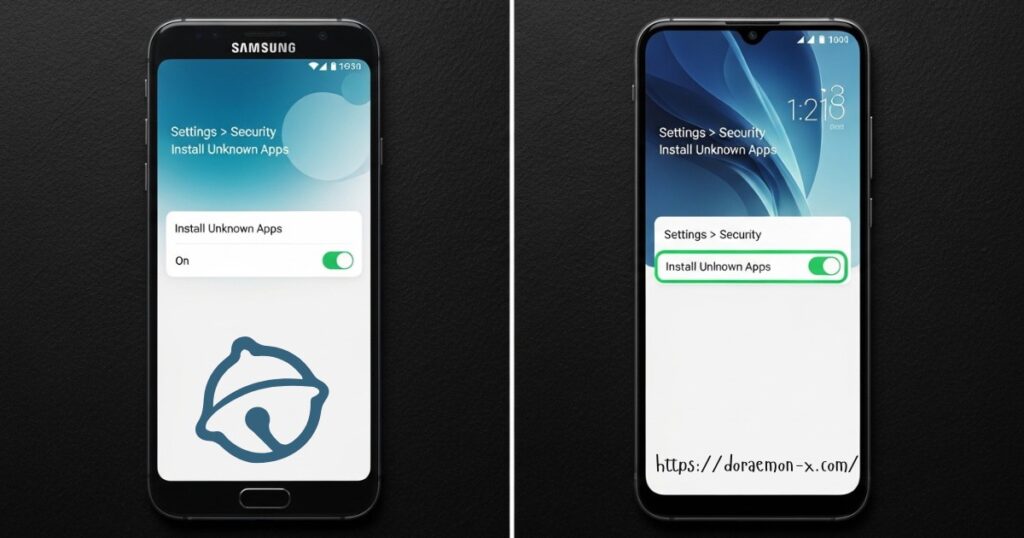
Samsung phones:
Go to Settings. Tap Biometrics and Security. Tap Install Unknown Apps. Find your browser or file manager. Toggle Allow from this source on.
Xiaomi / MIUI phones:
Go to Settings. Tap Privacy. Tap Special App Access. Tap Install Unknown Apps. Enable your browser or file manager.
Stock Android / Pixel:
Go to Settings. Tap Apps. Tap Special App Access. Tap Install Unknown Apps. Enable your browser or file manager.
Oppo / Realme:
Go to Settings. Tap Additional Settings. Tap Privacy. Enable Install Unknown Apps and allow your browser.
After enabling this setting try the installation again. It solves the problem for most players.
You can turn this setting back off after installing. It only needs to be on during the install.
Fix 2, Re-Download a Fresh APK File
Error you see: “There was a problem parsing the package” or “App not installed”
A parse error almost always means your APK file is corrupted. This happens when the download gets interrupted even a brief Wi-Fi drop is enough to break the file silently.
The file looks fine in your downloads folder. But data is missing inside and Android cannot read it.
Go to your Downloads folder and delete the existing file completely.
Connect to a stable Wi-Fi network before trying again. Do not use mobile data for a 240 MB file.
Download the Doraemon X APK fresh from doraemon-x.com. Every file is scanned and verified before each upload.
Wait for the download to fully complete before tapping install. Check that the file size shows approximately 240 MB. If it is much smaller the download failed again.
Then try installing. The parse error will be gone.
Fix 3, Free Up Storage Space
Error you see: “Insufficient storage” or the install fails silently with no message
The Doraemon X APK is 240 MB to download. Then it needs additional space during the installation process itself. If your storage is nearly full the install will fail.
Go to Settings and tap Storage. Check how much free space you have. You need at least 500 MB free to install safely.
Delete apps you no longer use. Even removing two or three old apps usually creates enough space.
Clear cached data from heavy apps. Open Settings. Go to Apps. Tap any large app like YouTube or Chrome. Tap Storage then Clear Cache.
Move photos and videos to Google Photos or a computer to free up space quickly.
Restart your phone after clearing space. Then try installing again.
Fix 4, Check Your Android Version
Error you see: “App not compatible with your device” or the install freezes without finishing
Doraemon X requires Android 5.0 or above to run. Phones on Android 4.x cannot install it.
Check your version at Settings → About Phone → Android Version.
If you are on Android 4.x check for a software update at Settings → System → Software Update.
If no update is available the game cannot run on your device. You can still play using BlueStacks on a PC. Check our Doraemon X for PC guide for instructions.
Most phones made after 2015 already run Android 5.0 or above so this fix only applies to older devices.
Fix 5, Uninstall the Old Version First
Error you see: “App not installed” when you are trying to update from an older version
If you have an older version of Doraemon X on your phone it can conflict with the new one. This especially happens when the old file came from a different source. The signatures do not match and Android blocks it.
Go to Settings → Apps → Doraemon X. Tap Uninstall. Remove it completely.
Restart your phone after uninstalling.
Now install the Doraemon X APK latest version fresh from doraemon-x.com. It should go through cleanly.
One thing to know before doing this: uninstalling removes your current game progress. The game does not have cloud saving at the moment. Take a screenshot of where you are before uninstalling if that matters to you.
Fix 6, Clear Cache on Google Play Services
Error you see: Installation hangs for a long time or fails with no clear message
Google Play Services runs in the background on all Android phones. Sometimes its cached data conflicts with manual APK installations.
Go to Settings → Apps. Tap the three-dot menu and select Show System Apps.
Find Google Play Services and tap it. Tap Storage → Clear Cache. Do not tap Clear Data as that can log you out of your Google account.
Repeat the same steps for Google Play Store.
Restart your phone and try installing the Doraemon X APK again. This clears whatever was conflicting in the background.
Fix 7, Disable Your Antivirus Temporarily
Error you see: The APK file downloads but then disappears, or gets deleted right after installing
Some antivirus and security apps automatically block or delete APK files from outside the Play Store. This is a false positive. It does not mean the file is actually dangerous.
Built-in security apps on Samsung, Xiaomi, and Huawei phones do this regularly with perfectly clean files.
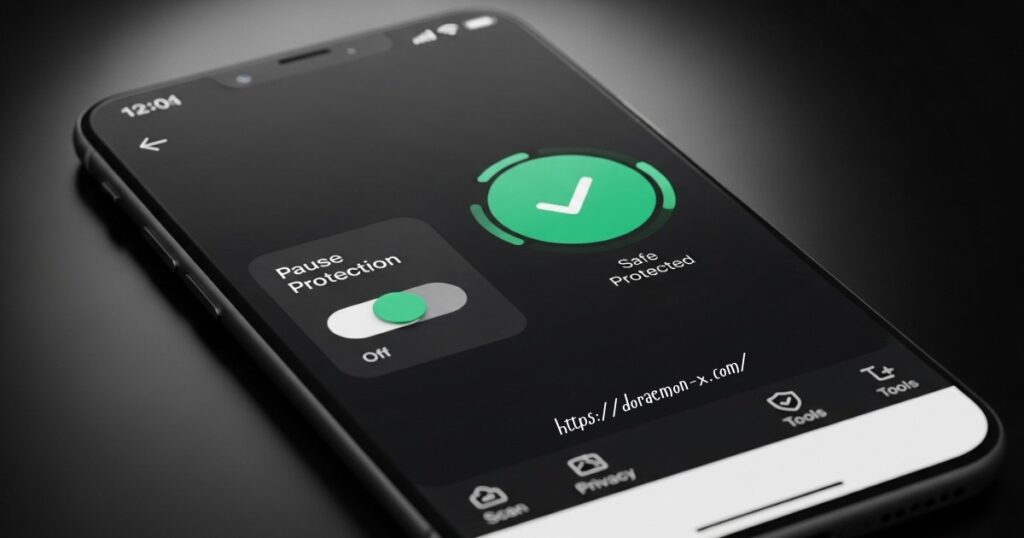
Open your antivirus or phone security app and pause real-time protection temporarily.
On Samsung: Open Device Care → Device Protection → App Protection → turn off.
On Xiaomi: Open the Security app → Settings → disable Install Source Check.
Try installing the Doraemon X APK again while protection is paused.
Once installed successfully re-enable your security app immediately.
If you want extra peace of mind before installing you can upload the APK to VirusTotal.com and scan it yourself. It takes under a minute and checks the file against dozens of engines.
Quick Reference Error to Fix
| Error Message | Fix to Try First |
| Install blocked / security warning | Fix 1 |
| Problem parsing the package | Fix 2 |
| Insufficient storage | Fix 3 |
| App not compatible with device | Fix 4 |
| App not installed (when updating) | Fix 5 |
| Install hangs with no message | Fix 6 |
| APK deleted after download | Fix 7 |
Why does Doraemon X APK keep saying ‘App not installed’?
This usually means the APK is corrupted, there is a conflict with an old version, or your storage is too full. Start with Fix 2 and Fix 5. Those two solve it for most players.
Is the Doraemon X APK safe to install?
Yes. Every file on doraemon-x.com is scanned with antivirus tools before it goes live. No malware, no hidden trackers, no unwanted permissions. You can also verify the file yourself on VirusTotal.com before installing.
What is a parse error?
It means Android cannot read the APK file. This almost always happens because the file got corrupted during download. Delete the file and re-download on a stable connection. See Fix 2.
Can I install Doraemon X APK on Android 4?
No. The game requires Android 5.0 or above. If your phone cannot be updated you can play on PC using BlueStacks or LDPlayer. Check our PC guide. iPhone or iPad user? See our iOS guide.
I tried all 7 fixes and it still will not install. What now?
Restart your phone completely and try one more time. If it still fails contact us through the Contact Us page with your phone model and Android version. We will help you troubleshoot directly.
Final Word
In most cases Doraemon X APK not installing comes down to three things, Unknown Sources not enabled, a corrupted download, or not enough storage. Fix 1 and Fix 2 solve it for the majority of players.
Work through the list in order and you will almost certainly be playing within a few minutes.
Still stuck? Reach out through our Contact Us page. We are real people and we want to help you get into the game.
